


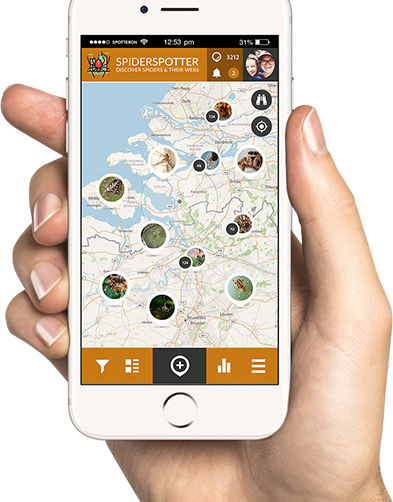
LET'S SPOT SPIDERS!
Download the SpiderSpotter App for Android or IOS and help with your observations!


Download the SpiderSpotter App for Android or IOS and help with your observations!
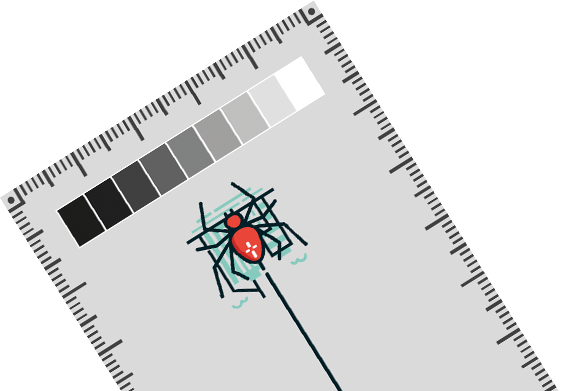
Do spiders in cities build their webs differently from spiders in natural habitats? Use the SpiderSpotter Card to help research!
Download it here


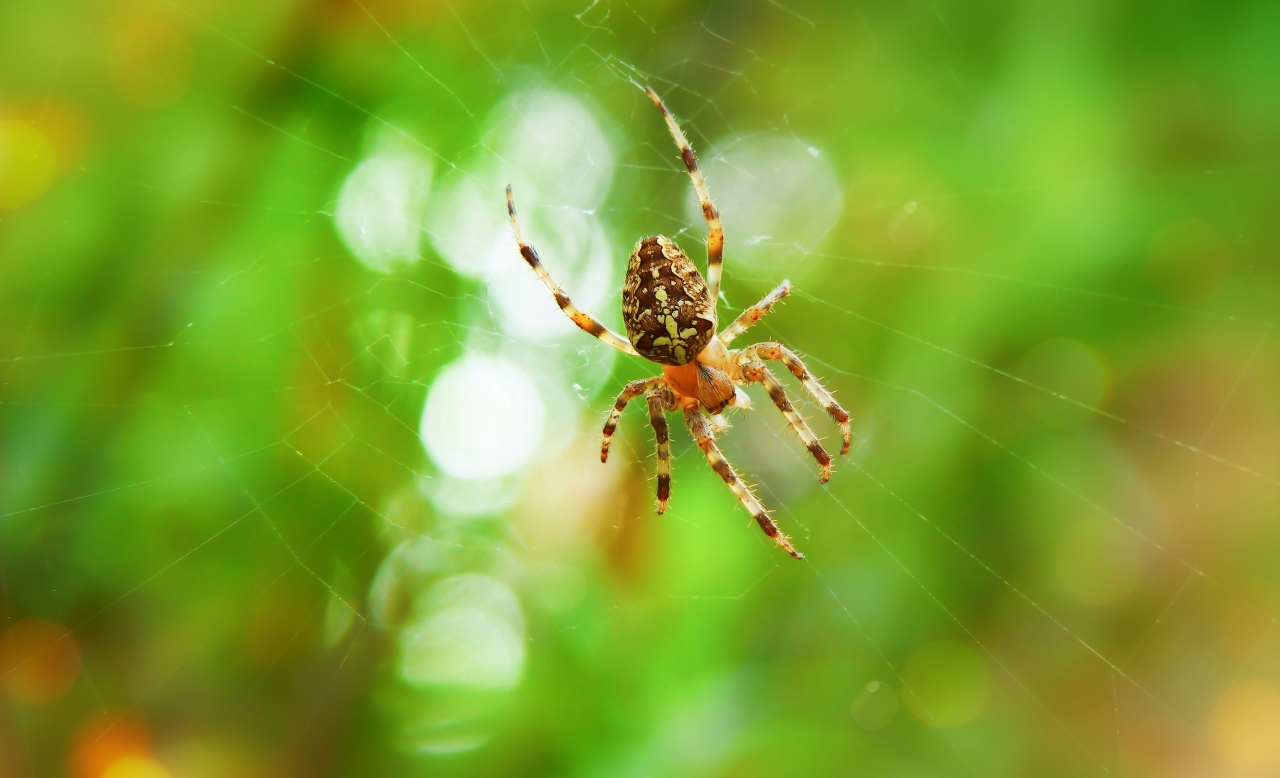
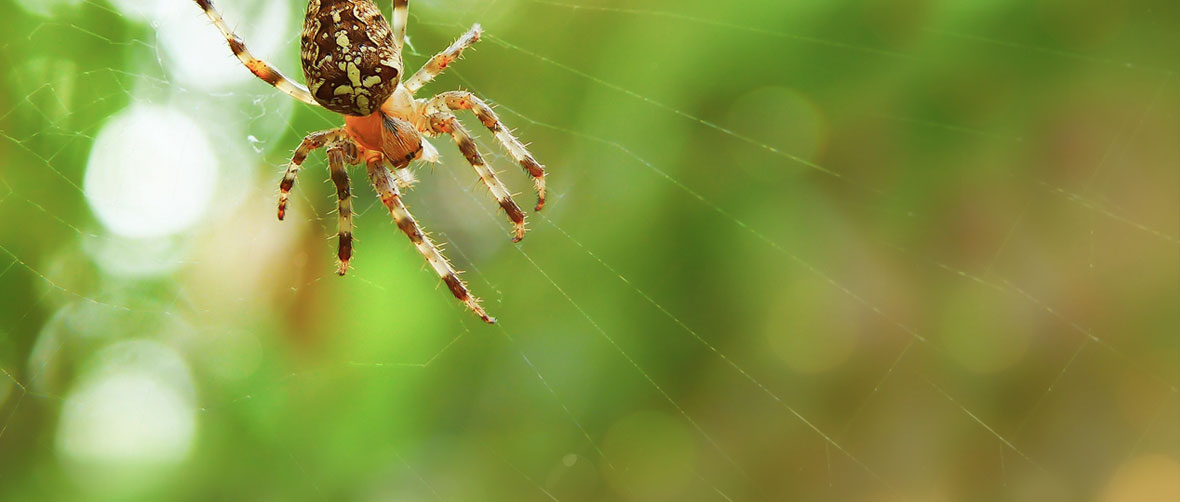
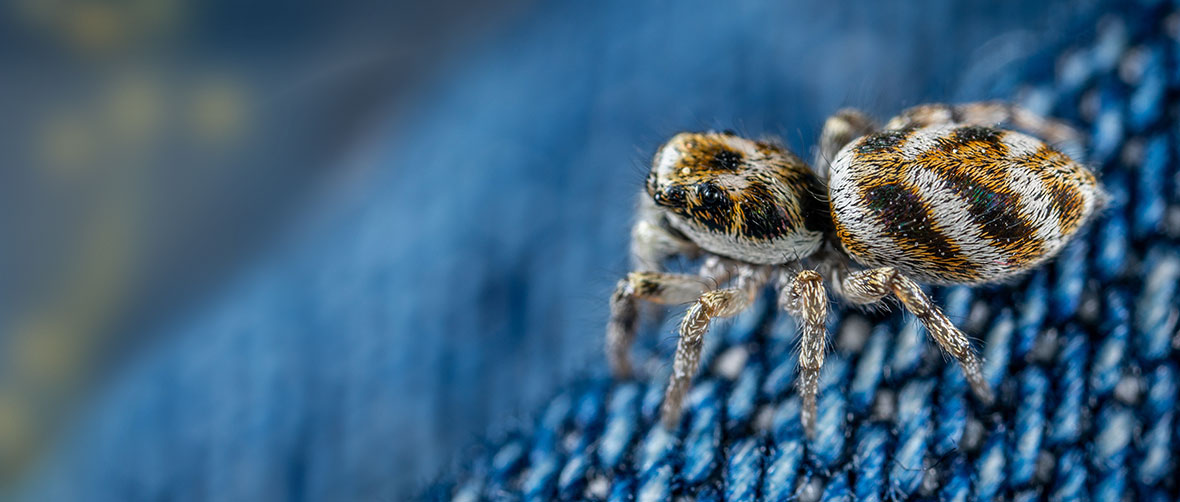
We are interested in photos of all species of spiders! One of the most important ones is the Cross Spider (Araneus diadematus), a common species that is easily recognized by the white cross on the back. The spider is often found in the middle of its orbweb, making it easy to photograph! The Cross spider comes in many different colors, ranging from light brown to orange-red to dark brown and black. Scientists currently don't know why, could it have something to do with the warm city?
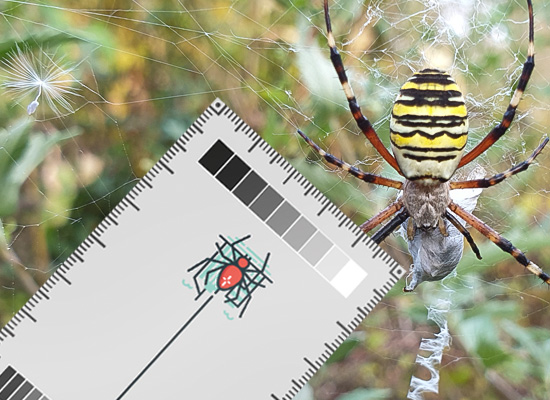
To accurately calculate spider size and colour from a picture, a reference needs to be added with known length and one that takes into account differences in light intensity (a picture of a spider in the sun will be more light than a picture of the same spider in overcast conditions). For this reason we designed the SpiderSpotter Card that has a length measurement and a grey scale. Ideally, this strip should be included in the picture. The SpiderSpotter Card can be downloaded below and printed yourself. Put the printer settings on best quality as this will improve the printed grey scale. You can also order it at This email address is being protected from spambots. You need JavaScript enabled to view it., provide your address and the number of cards you need and we will send them to you!
Don’t worry if you don’t have a card, you can add an everyday object with known length such as a coin/ruler to measure size or take pictures without anything added. These are still highly valuable for the project as they still give a lot of info on size and colour!
Tips for spider pictures:
* Point the camera perpendicular to the spider, preferably with view of the back (dorsal).
* Hold strip as close as possible to the web and next to the spider. This reduces measuring error. Make sure the entire grey scale is visible. Watch out to not disturb the spider as it will flee!
* Focus on both strip and spider.
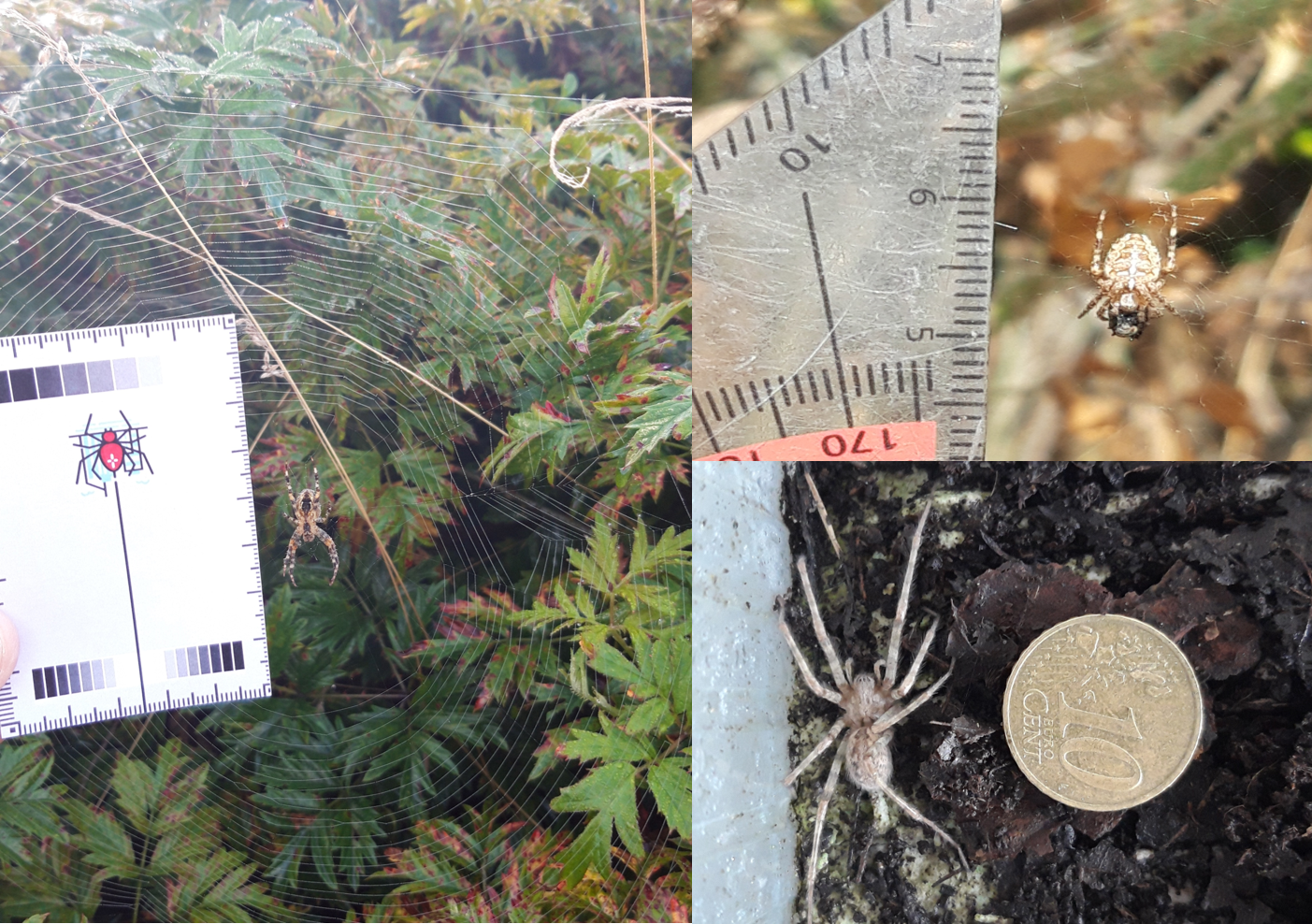
Example of spider pictures with grey scale and length measurement or an everyday object included. All pictures show dorsal side of the spider.
For webs you can take similar pictures, including the strip. However, webs can be challenging to photograph as they consist of very fine material that is hard to focus on (spraying the web with water using a plant sprayer can help!). That is why you can also directly input your measurements in the app!
To correctly investigate:
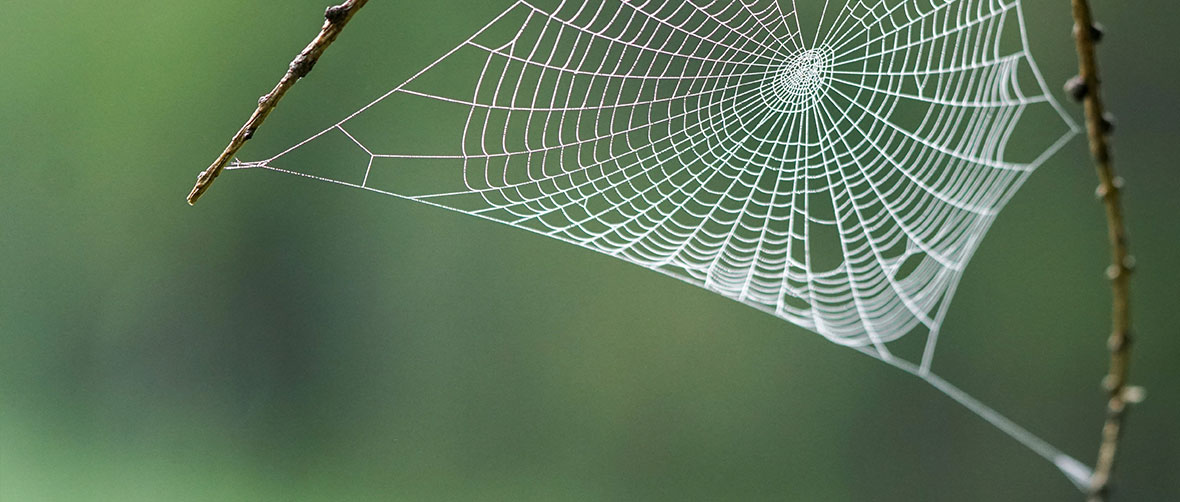
Orbwebs (see figure):
- Measure the length of the catching web from right outside the centre to top (arrow in grey area in the figure). Don’t include the hub, that is where the spider is often located.
- Count the number of crossing threads.
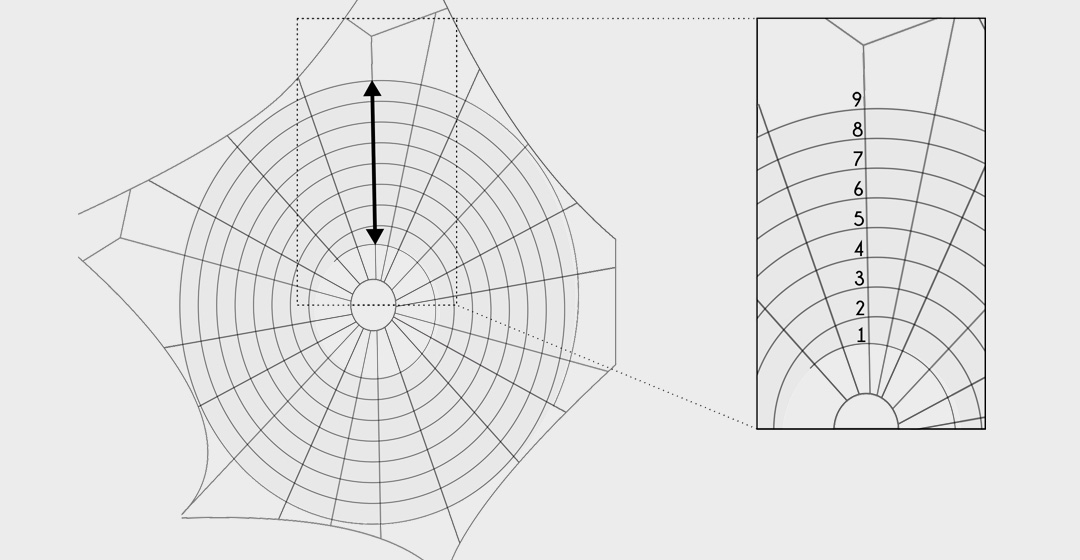
How to investigate an orbweb? First, measure the length of the catching web from right outside the centre to the top. Second, count the number of crossing threads. (Web figure modified from Dahirel et al. 2018, “Urbanization-driven changes in web building and body size in an orb web spider”, Journal of Animal Ecology, 88:1, 79 – 91.)
These two measurements allow to calculate the average mesh size!
Other web types:
- Measure the maximum width of the entire web.
We learn most if we have size/colour and web info from the same spider. Using the SPOT UPDATES you can first take a spider picture and then use the + -pictogram to add web measurements!
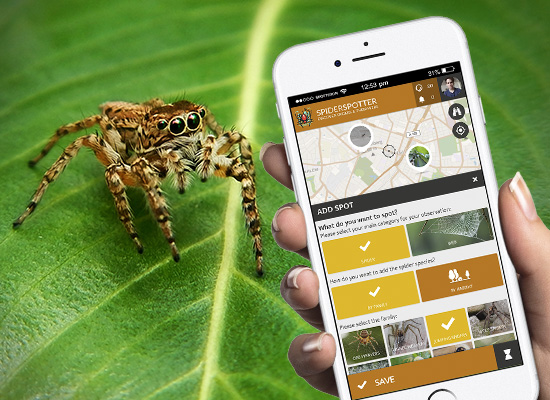



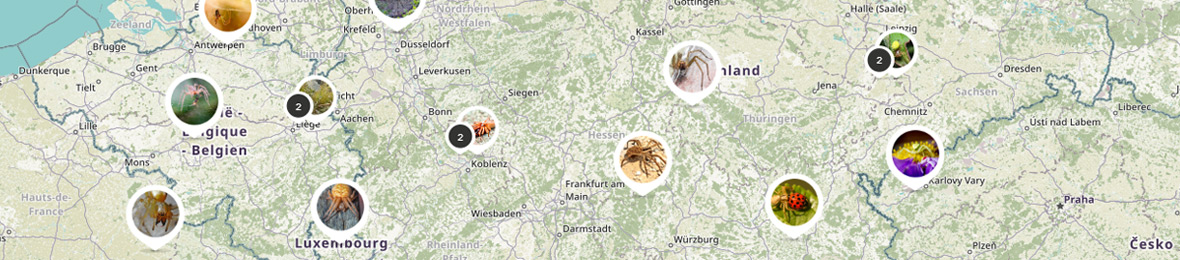
Download the App on your smartphone now or open the map in your browser:
Do you want to help measuring spiders for science? Download the SpiderSpotter Card for self printing at home and hold it in the pictures you take in the SpiderSpotter App. With the measurement reference, we can determine the size of your spider or web observation better. You can also order it at spiderspotter@UGent.be, provide your address and the number of cards you need and we will send them to you!
When holding the SpiderSpotter Card near the spider or a spider's web, please make sure that a ruler and one of the brigthness gradient strips is visible in the picture. You can read more about how to take the pics in our info section!
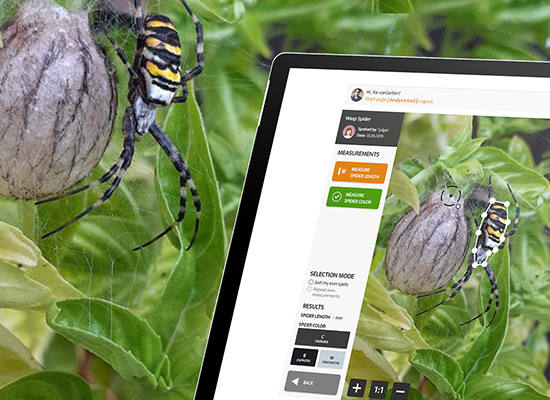
With the new SpiderSpotter Data Analysis Tool, you can actively participate in generating scientific data! The online interface fetches spider observations live from the Citizen Science App and offers a range of tools to measure the size and the average colour of the spiders. Simply access the Data Analysis Tool and log in with your App account!
You can even select an option to just work with your observations from the App and export your measured data if you want to do your own analysis.

 Download PDF